GLP-1 Tracker & Planner
Start Before or After Your First Dose
Whether you've been prescribed GLP-1 and haven't started yet — or you've been taking it for months — DoseDay meets you where you are.

Whether you've been prescribed GLP-1 and haven't started yet — or you've been taking it for months — DoseDay meets you where you are.
DoseDay works at every stage. Pick what fits your situation.
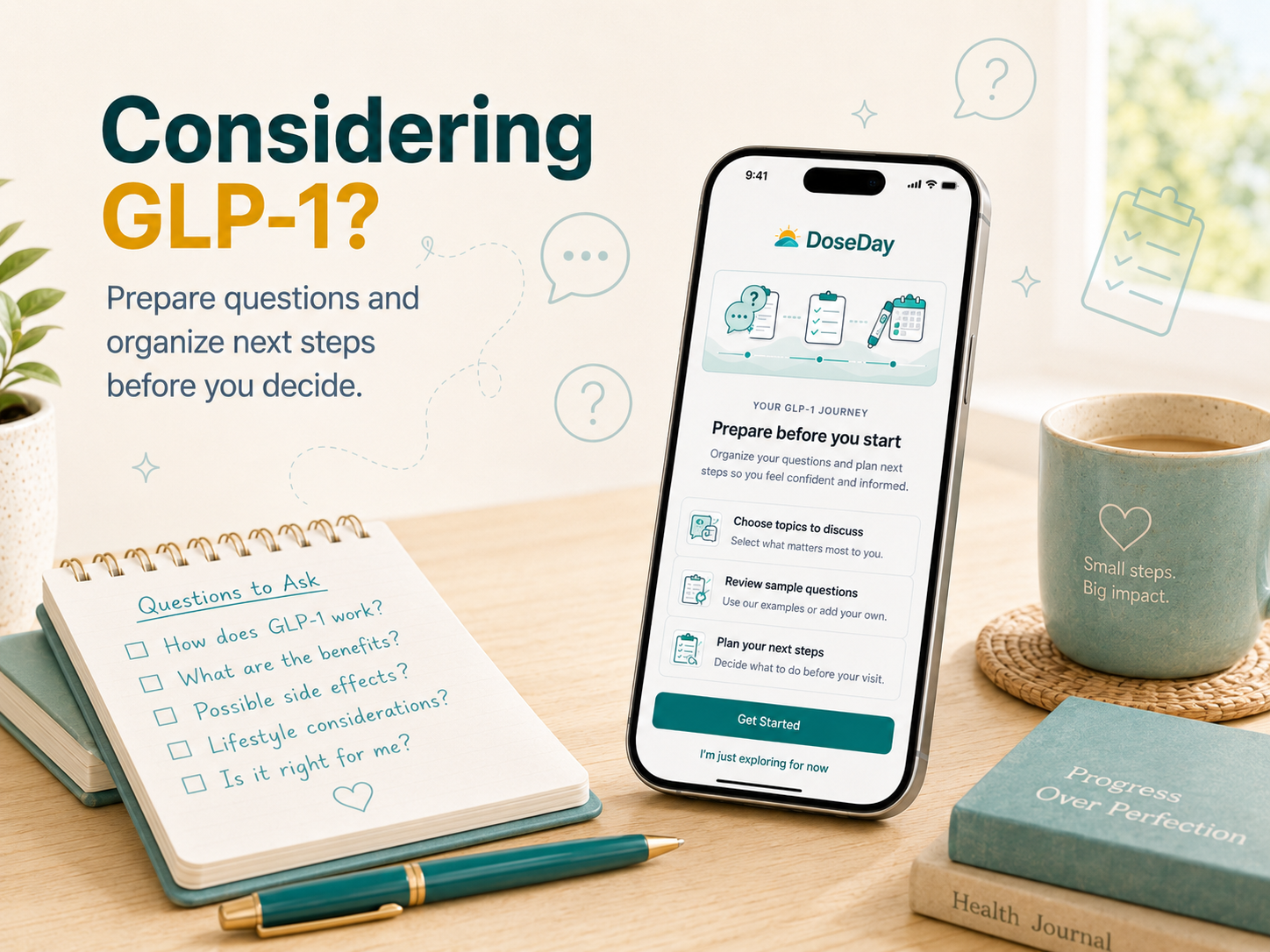
Use the Starting Plan to organize questions and information before a clinician conversation.
Explore the Starting Plan →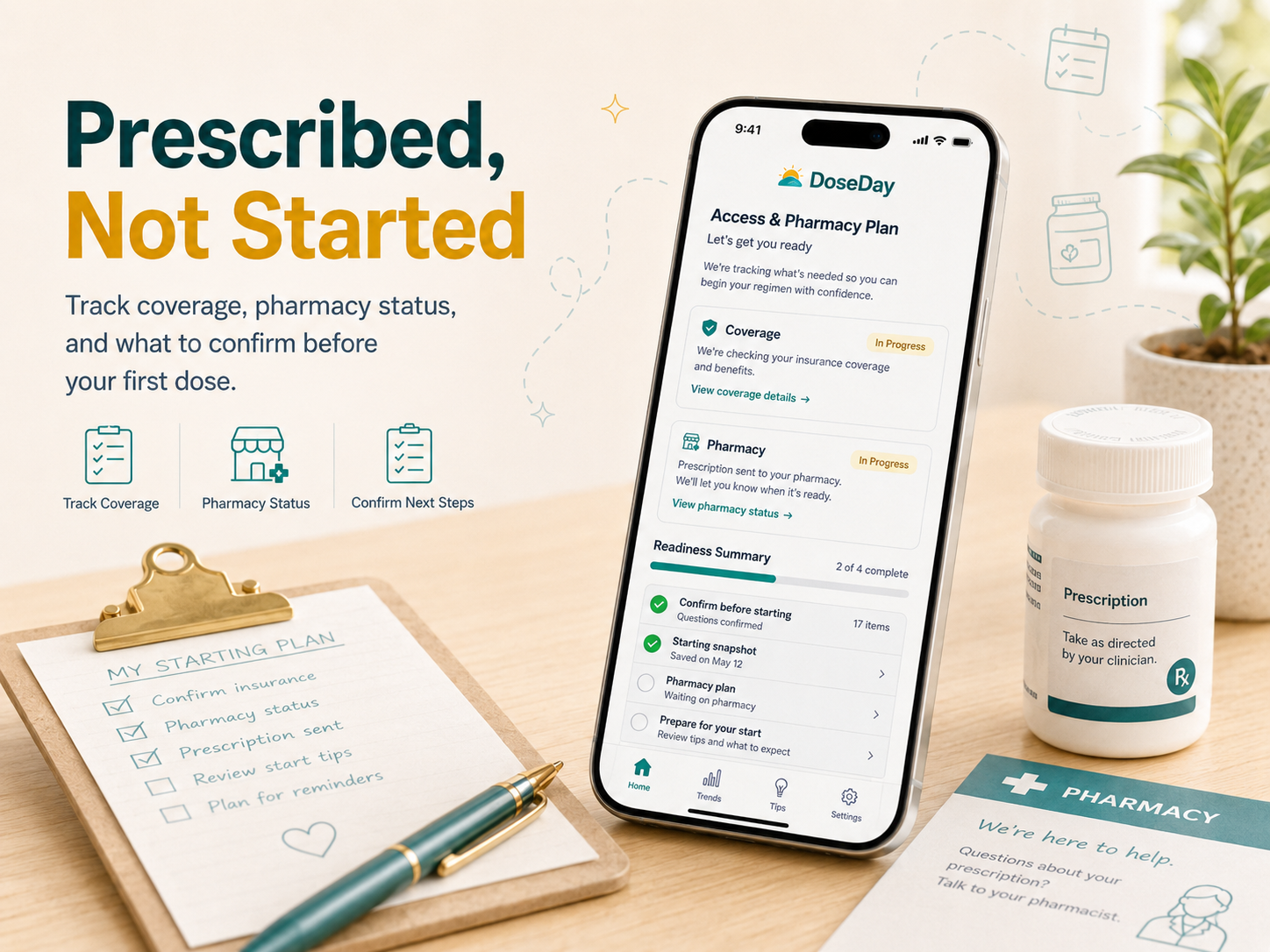
Build your Starting Plan, prepare visit questions, and save a baseline snapshot before your first dose.
Start before your first dose →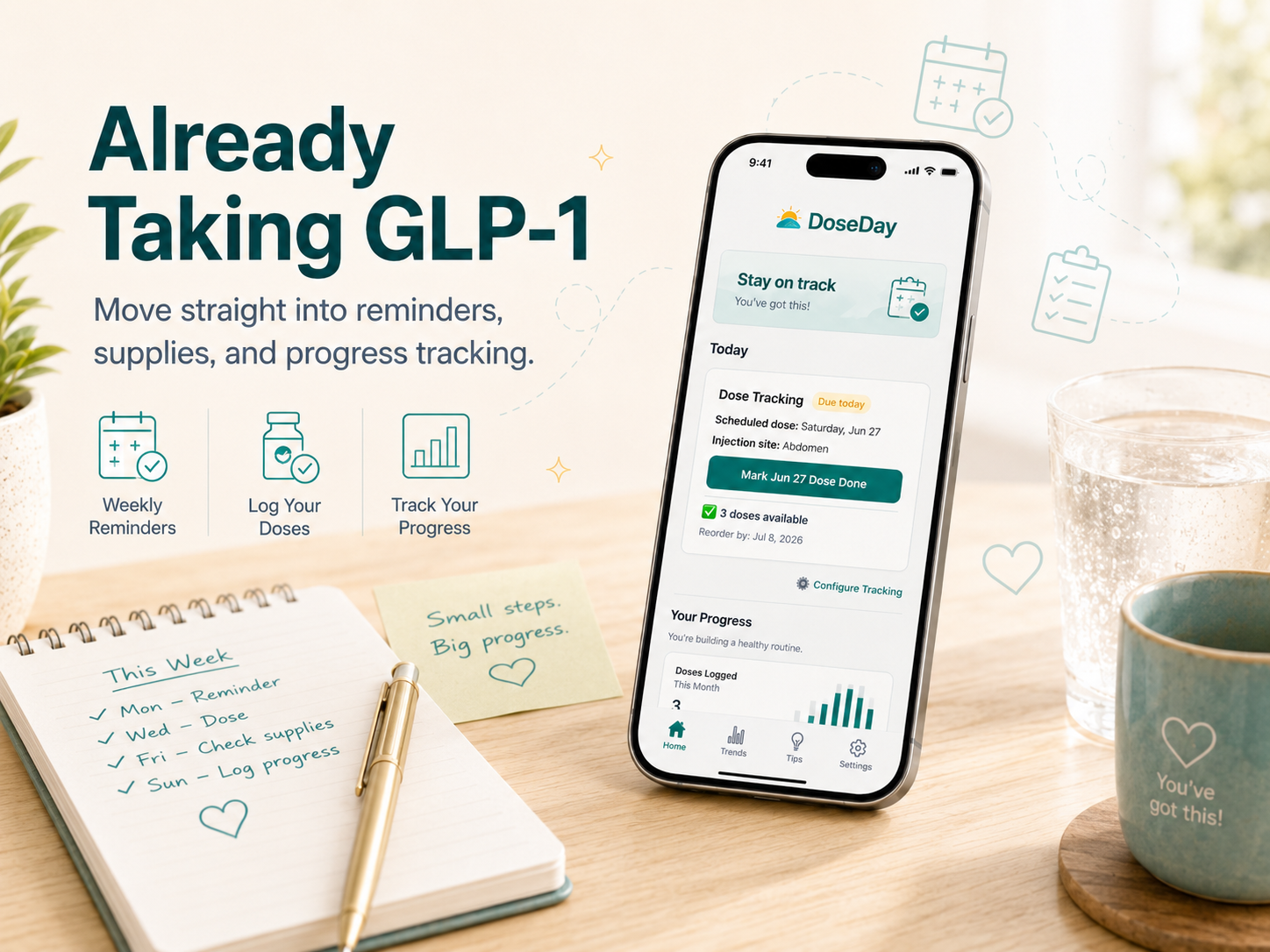
Track doses, manage supplies, monitor trends, and export appointment-ready reports.
See the dose tracker →From organizing before you start to tracking after — DoseDay guides your whole journey.
Tell DoseDay where you are in your journey. The app customizes your experience — whether you're considering GLP-1, freshly prescribed, or already tracking doses.

Before your first dose, organize what matters: notes, questions, and the information your clinician needs to see. All stored locally on your device.

Walk into your clinician appointments organized. DoseDay helps you capture the questions worth asking and the records worth bringing — so visits feel less rushed.

Record a personal baseline before you start — weight, steps, sleep, protein, and hydration. Optionally import supported metrics from Apple Health. Later, compare where you started to where you are.
When you take your first dose, switch to tracking mode. Log doses, manage supplies, monitor trends, and generate appointment-ready reports — all in the same app.
A complete system for managing your GLP-1 routine — doses, supplies, progress, and appointments.
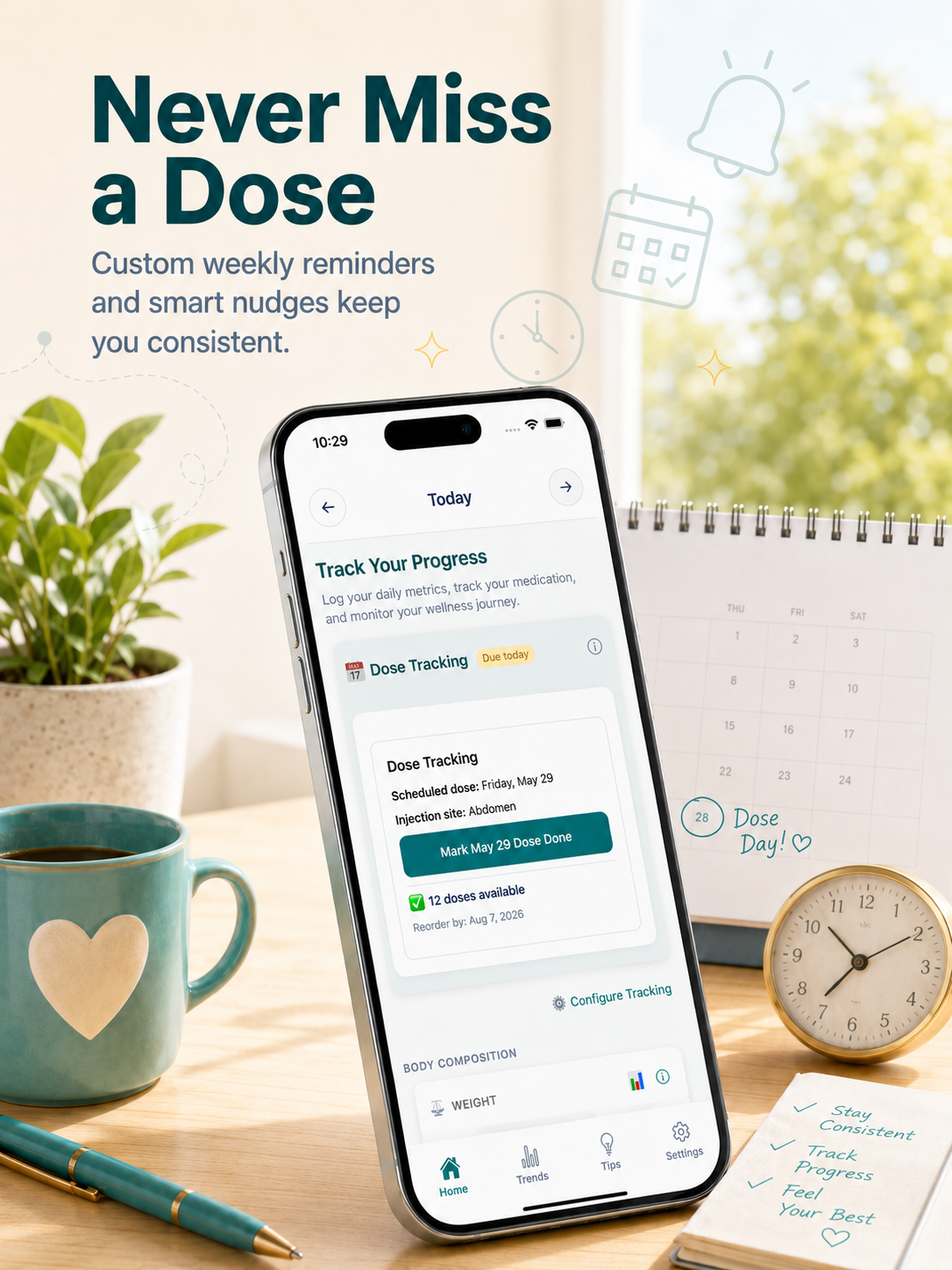
Steady, well-timed reminders. Your rhythm, your timing — we keep the clock straight.
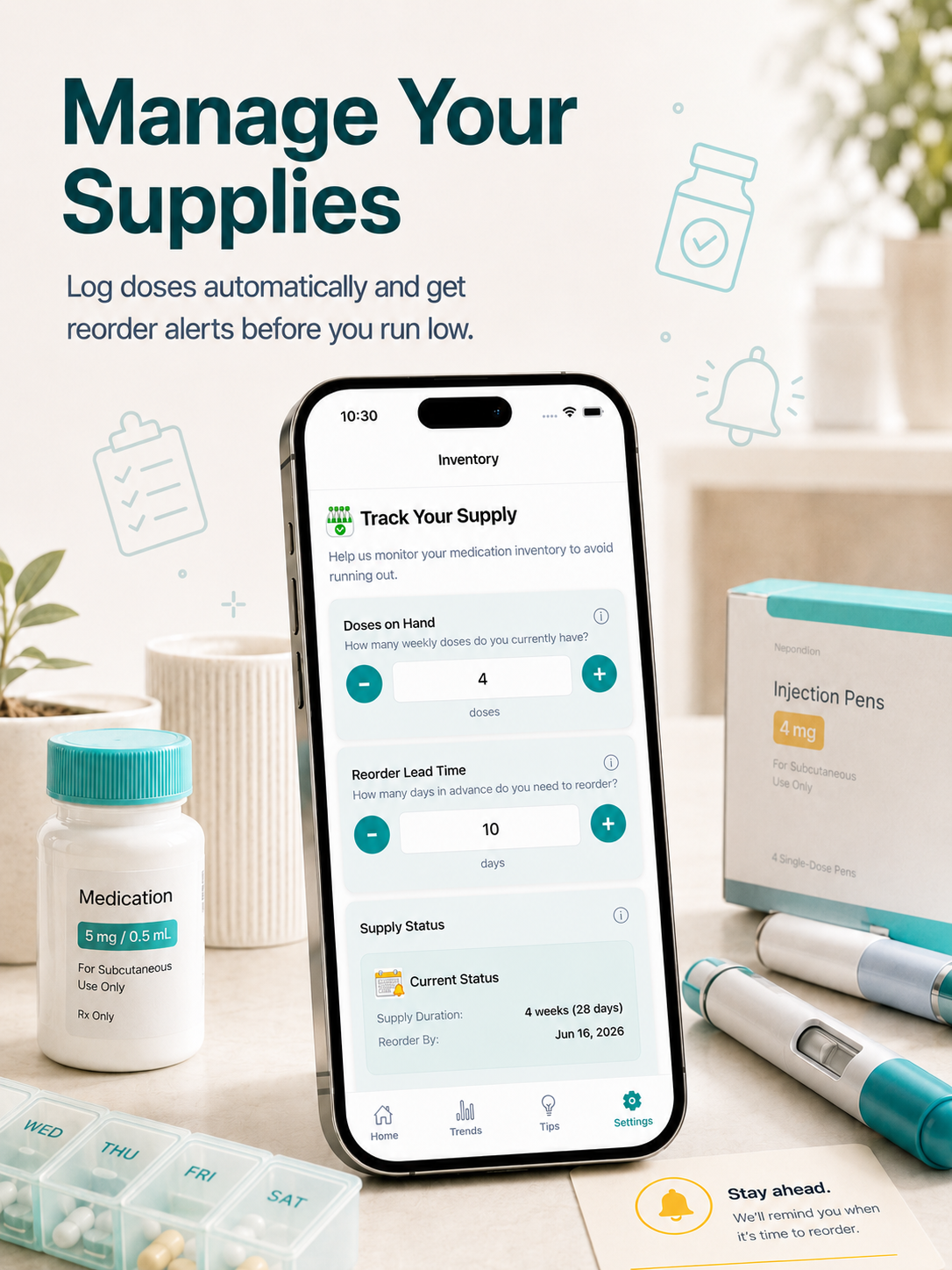
Pens or vials on hand, automatic count updates, and a heads-up before you run low.
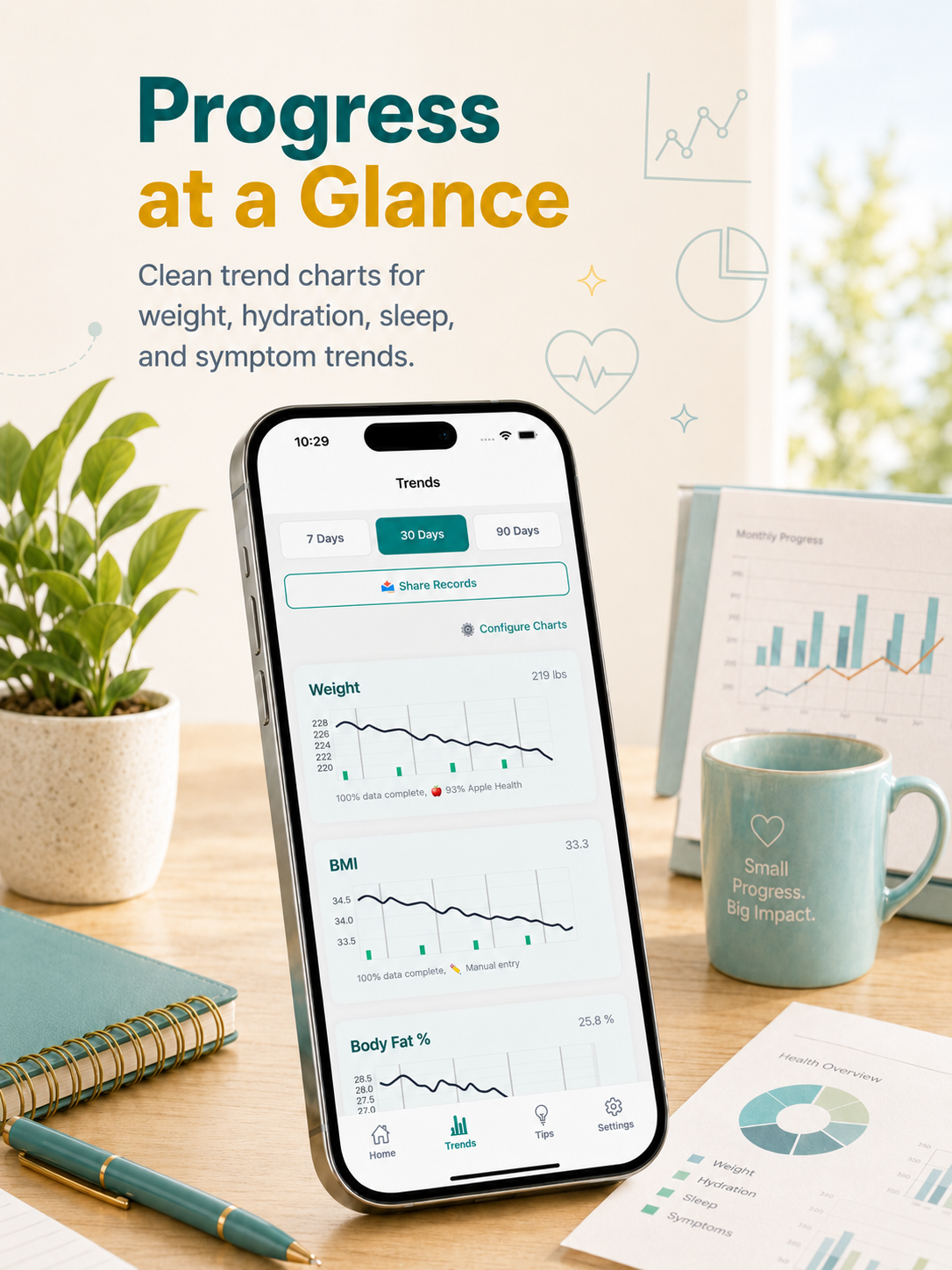
Weight, sleep, hydration, protein, symptoms — logged quickly, visualized clearly.
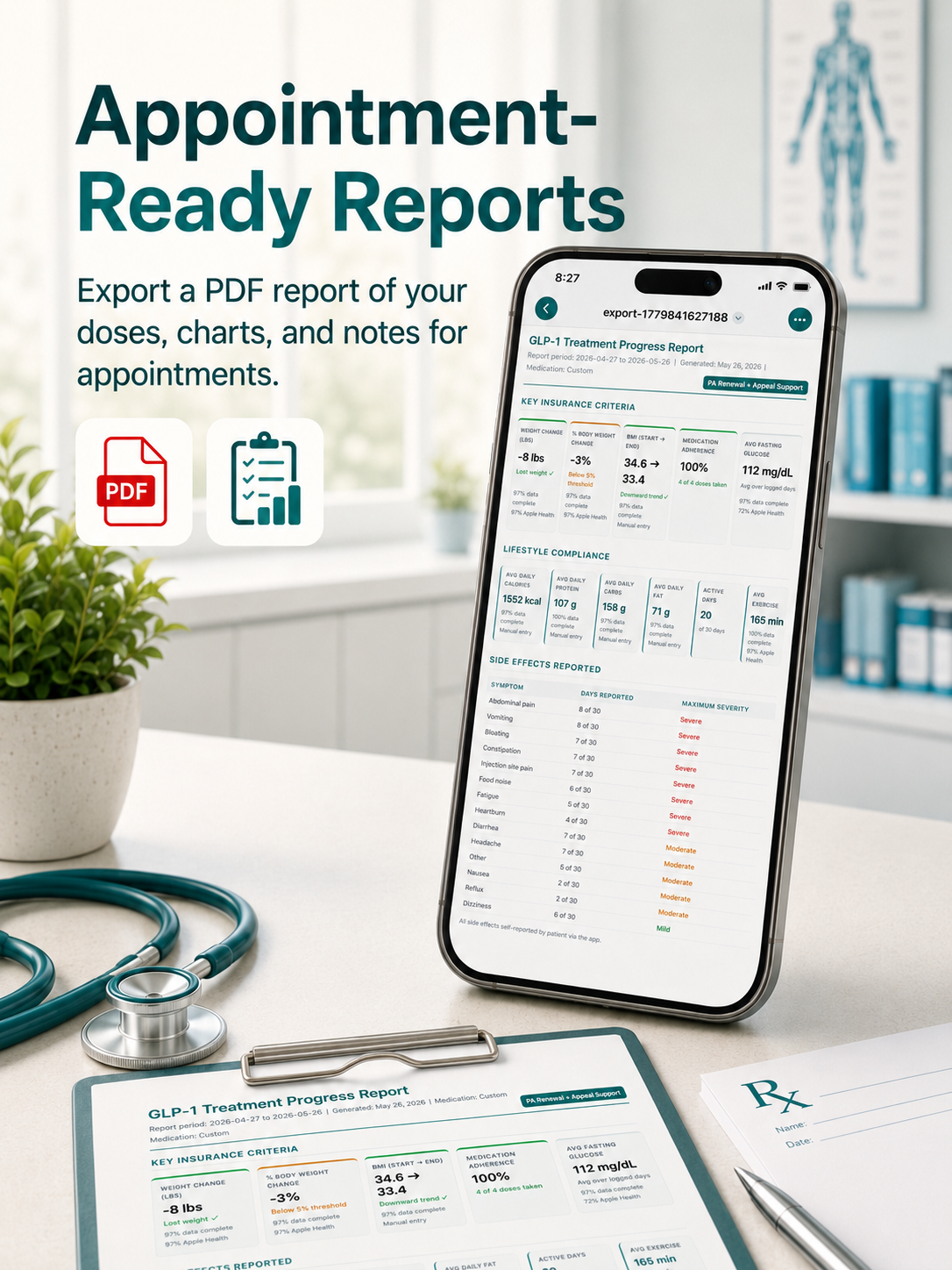
PDF reports with your doses, trends, and notes. Walk in prepared — every time.
Every export is triggered by you. Nothing is shared automatically.
A PDF worksheet from your Starting Plan — notes, questions, and your baseline. Good for reference before your first appointment.
Charts and trends from your tracking — doses, weight, sleep, and other logged metrics over time.
A clean, formatted report you can share with your clinician or submit to insurance. Generated on demand.
DoseDay earns your trust by keeping things simple and honest.
DoseDay is personal organization. It does not diagnose, prescribe, or advise on treatment.
We are not a telehealth or prescribing service. Always work with your licensed healthcare provider.
Starting Plan data lives on your device and is never uploaded automatically.
DoseDay runs no advertising inside the app. We do not sell your health data or use it for advertising profiling. Revenue comes from subscriptions only.
Nothing is sent to your clinician or anyone else without you initiating an export yourself.
The Starting Plan — our full pre-dose planning toolkit — is free. No trial timer, no paywall on planning. When you're ready to track doses and progress, a free trial unlocks everything.
| Feature | Free | Trial / Subscription |
|---|---|---|
| Starting Plan | ✓ | ✓ |
| Visit questions organizer | ✓ | ✓ |
| Baseline snapshot | ✓ | ✓ |
| Readiness Summary export | ✓ | ✓ |
| Dose reminders & tracking | — | 30-day free trial |
| Supply & inventory management | — | 30-day free trial |
| Progress trends & charts | — | 30-day free trial |
| Appointment PDF reports | — | 30-day free trial |

Free to start. No prescription required to plan. Download the app and build your Starting Plan today — then add tracking whenever you're ready.
Download on the App Store